BThe Better Gaming Co.

Learning games kids want to play

Free, right in the browser. Works on phones, tablets and computers. Nothing to install.

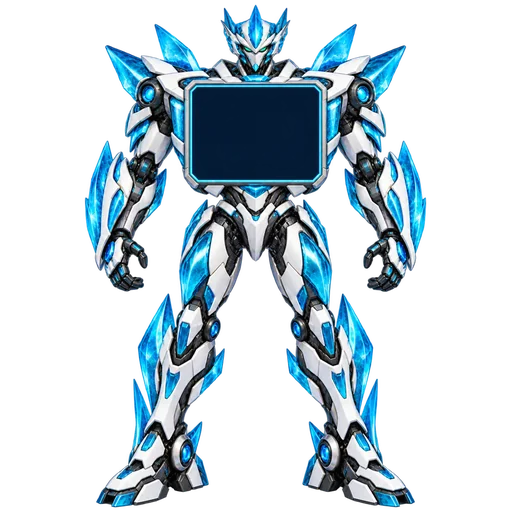
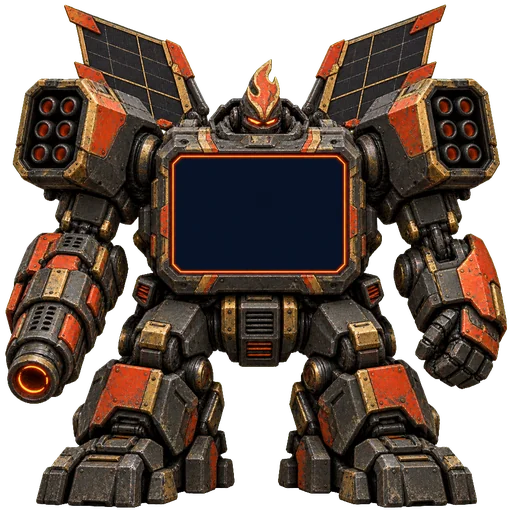
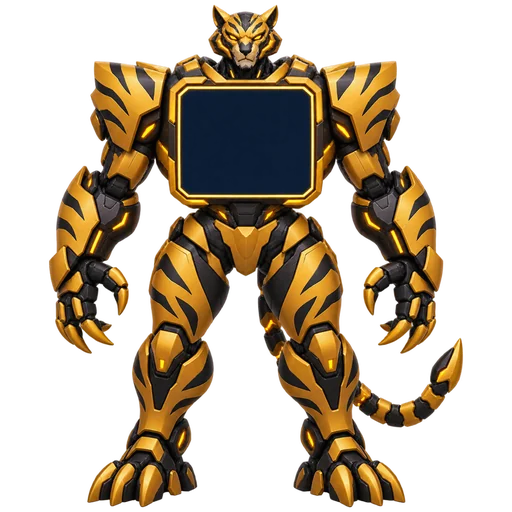
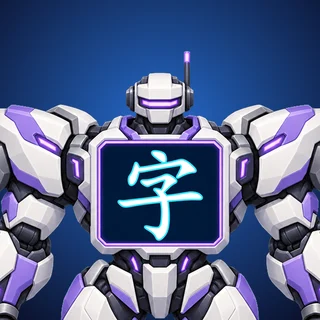
Every Chinese character is a robot. Write it, read it and power it up to build your collection.

  • Chinese · P2 & P3
  • 818 characters
  • Pinyin + audio

Singapore MOE 《欢乐伙伴》 syllabus. Stroke-by-stroke writing practice, spaced review, zone bosses (听写) and a robot workshop.

Play Zibots


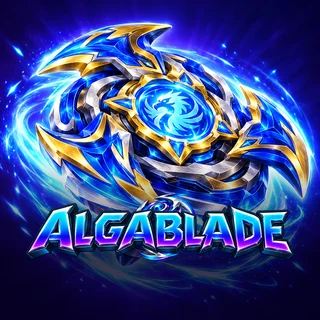
Spinning-blade battles powered by times tables. Answer fast to hit hard and beat the bosses.

  • Maths · times tables
  • 1–12 × 1–12
  • 2-player duel

20 questions a round, 20 seconds each. Unlock new blades as you level up, or hand the phone to a friend for a duel.

Play Algablade

Put it on your home screen

Each game can sit on your home screen like an app, opens full screen and works offline after the first visit.

iPhone & iPad

  1. Open the game in Safari.
  2. Tap the Share button (the square with an arrow).
  3. Tap Add to Home Screen, then Add.

Always play from the home-screen icon: an iPhone keeps its progress separate from progress made in a Safari tab.

Android

  1. Open the game in Chrome.
  2. Tap the ⋮ menu.
  3. Tap Add to Home screen (or Install app).

On a computer, just play in Chrome, Edge or Safari.

Progress is saved only on the device you play on. No accounts, no ads, nothing is sent to us.